Veterinary Practice Management Software: A GP Clinic Guide
Veterinary practice management software is the central nervous system of your clinic. Discover how to optimize your PIMS to automate inventory, capture missed charges, and streamline daily workflows.
By Helpful.vet Team
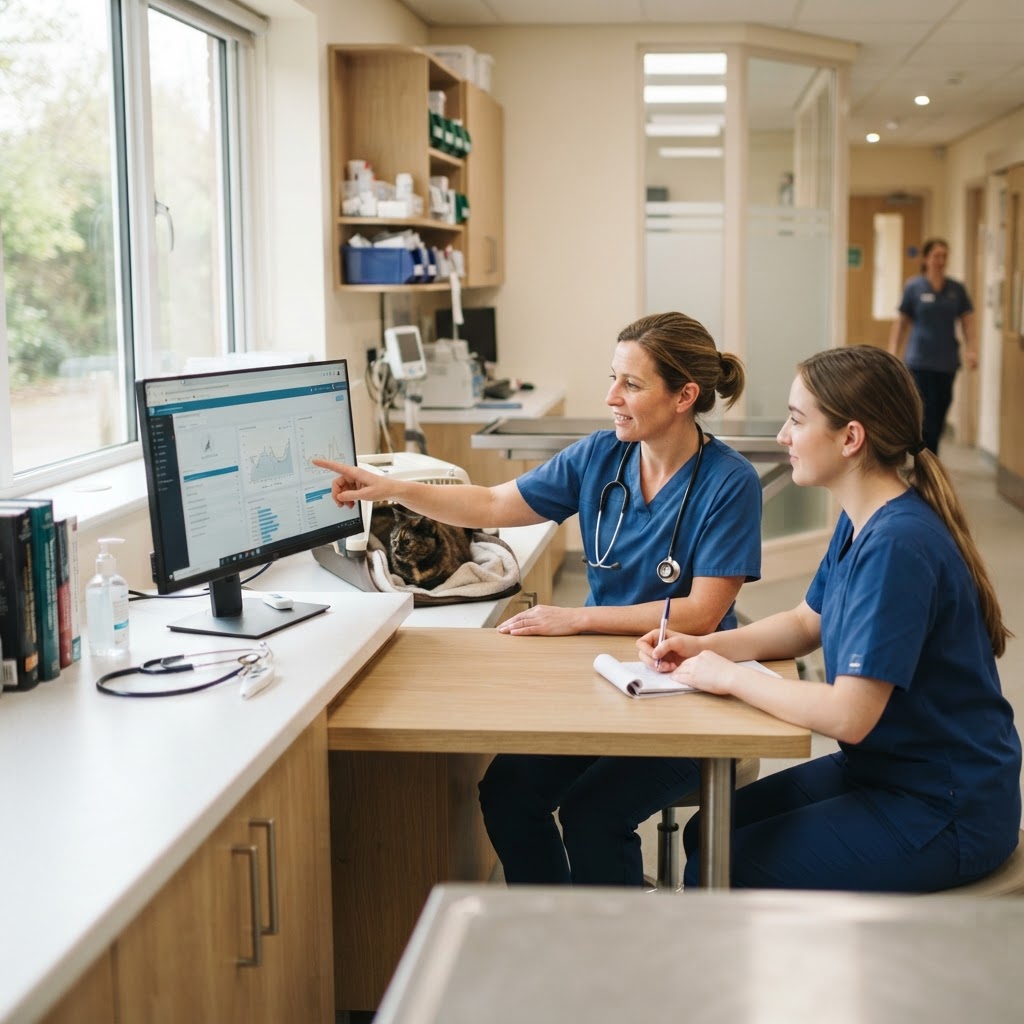
In a busy general practice, veterinary practice management software (PIMS) serves as the central nervous system of the clinic. It dictates how appointments are scheduled, how medical records are maintained, how inventory is tracked, and how revenue is captured. Despite its critical role, many veterinary teams use only a fraction of their software’s capabilities, treating powerful platforms as little more than glorified digital appointment books.
When clinics fail to fully utilize their veterinary practice management software, they often fall back on inefficient manual workarounds. Team members waste hours chasing down paper "want lists" for inventory, doctors spend their evenings finishing SOAP notes, and practices lose tens of thousands of dollars annually to missed charges. By optimizing your current PIMS—or knowing exactly what to look for when upgrading to a new one—you can drastically reduce administrative burden and return your team's focus to patient care.
Why GP Clinics Underutilize Their Veterinary Practice Management Software
Most modern veterinary software platforms are designed to simplify and streamline clinic operations. However, many practices fail to use these powerful features because team members do not fully understand how to leverage the software to its maximum potential [Taking Control of Inventory Management in Your Veterinary Practice].
Common reasons for PIMS underutilization include:
- Overwhelming Setup: Practice managers often opt to use only basic functions because the initial setup process for advanced features (like automated inventory tracking or bundled billing codes) feels too time-consuming.
- Lack of Ongoing Training: Software updates are released frequently, but team training rarely keeps pace. New features that could save hours are often ignored simply because the staff doesn't know they exist.
- Clinging to Paper: Many clinics continue to rely on pen-and-paper or spreadsheet-based systems to complete tasks like inventory counts, duplicating effort and increasing the risk of human error.
Making full use of your software enables your team to put effective systems in place, which can transform your practice's efficiency, profitability, and overall team morale.
Key Features to Look for in Modern Veterinary Practice Management Software
Whether you are evaluating your current system or shopping for a replacement, a robust veterinary practice management software should offer specific functionalities designed to eliminate workflow bottlenecks. If you are unsure where your current bottlenecks lie, consider using our GP Clinic Workflow Score tool to identify areas for improvement.
Cloud-Based Accessibility
Historically, PIMS were server-based, requiring expensive on-site hardware and restricting access to clinic computers. Today, cloud-based systems offer flexibility and remote access from any device with an internet connection [View from the Board: Considerations for choosing veterinary practice management software - AAHA]. Mobile accessibility is a key feature, allowing staff to update records from a tablet in the exam room or enabling veterinarians to finish charts securely from home.
Automated Inventory Management
Inventory is one of the largest expenses in a GP clinic. Your software should do the heavy lifting by tracking item use, sales, and status with a single click. When used effectively, inventory system software puts an end to chasing down want lists and shaking pill bottles to estimate the amount available [Taking Control of Inventory Management in Your Veterinary Practice].
Look for features that allow you to:
- Set automated reorder points based on actual usage data rather than instinct.
- Flag short-dated batches and track expiration dates.
- Generate purchase orders automatically when stock falls below minimum thresholds.
Seamless Third-Party Integrations
Veterinary practices use a variety of tools, such as in-house laboratory analyzers, digital radiography systems, and dedicated inventory management platforms. The ability of your PIMS to integrate with these external systems is essential for improving efficiency and avoiding the need for duplicate data entry [View from the Board: Considerations for choosing veterinary practice management software - AAHA].
Where is your workflow slowing down?
Take the free 3-minute GP Clinic Workflow Score and see where your daily workflow is strong, where friction builds up, and what to improve first.
Get Your Workflow ScoreHow to Optimize Your Current PIMS Workflow
You don't necessarily need to buy new software to see massive improvements in clinic efficiency. Implementing a few core best practices can help you get the most out of the system you already have.
1. Capture Charges at the Point of Use
Most clinic stock problems are capture problems, not counting problems. Capturing stock at the point of use solves the inventory problem and the billing problem simultaneously [Veterinary Inventory Management Best Practices]. Ensure your software is configured so that administering a treatment or dispensing a medication automatically adds the item to the client's invoice and deducts it from your inventory counts. Studies show veterinary practices can lose as much as $60,000 annually due to missed charges [Shepherd | Cloud-Based Veterinary Practice Management Software].
2. Utilize Bundled Codes and Templates
To speed up invoicing and medical record keeping, build bundled codes (macros) for common procedures. For example, a "Canine Dental Prophy" code should automatically populate the invoice with anesthesia time, IV fluids, monitoring, the dental cleaning itself, and standard take-home medications. This reduces the mental load on your technicians and ensures no line items are forgotten.
3. Leverage Reporting for Better Business Decisions
Your practice management system is a treasure trove of financial and operational data. Depending on your software, you can use different reports to view sales trends, track provider production, and monitor inventory turnover [Organize Inventory with Ease - AAHA].
A highly useful metric to track via your PIMS is stock turn: the cost of goods sold over a year divided by average stock value. A general practice turning stock four to six times a year is in reasonable shape, while a number below three suggests working capital is sitting stagnant on your shelves [Veterinary Inventory Management Best Practices]. You can compare your clinic's financial health against industry standards using our GP Practice Benchmark Tool.
Evaluating a New Veterinary PIMS
If your current software is holding your practice back, it may be time to migrate to a new platform. When evaluating options, consider the following criteria:
- Customizability: A good veterinary software system should offer customizable features that can be tailored to fit the practice’s specific workflows, including tailored templates and reporting [View from the Board: Considerations for choosing veterinary practice management software - AAHA].
- User Interface: The software should be intuitive. A clunky interface leads to a steeper learning curve for staff and increases the likelihood of data entry errors.
- Customer Support and Training: Transitioning to a new PIMS is highly disruptive. Ensure the vendor provides robust onboarding support, data migration assistance, and responsive ongoing customer service.
- Automation Capabilities: Look for systems that automate routine tasks, such as sending appointment reminders, generating automated reorders for inventory, and processing integrated payments.
Conclusion
Veterinary practice management software is an investment in your clinic's operational health. By moving away from manual processes, capturing data at the point of care, and fully utilizing the automation features built into your PIMS, you can reduce team burnout, eliminate missed charges, and create a smoother, more professional experience for your clients and patients.

Helpful.vet Team
ContributorA veterinary professional contributing practical insights to Helpful.vet.
More about Helpful.vetFrequently asked questions
Veterinary practice management software (PIMS) is a digital platform used by clinics to manage daily operations. It handles appointment scheduling, electronic medical records, invoicing, inventory management, and client communications.
Cloud-based veterinary software allows staff to access the system securely from any device with an internet connection. This enables mobile workflows in the exam room, remote chart completion for veterinarians, and eliminates the need for expensive on-site servers.
By configuring the software to capture charges at the point of use, treatments and medications are automatically added to the client's invoice as soon as they are entered into the medical record. Using bundled billing codes also ensures that all components of a procedure are billed accurately.
Yes. Modern PIMS can track inventory usage in real-time, alert staff when items fall below custom reorder points, and automatically generate purchase orders. This prevents stockouts and reduces the time spent on manual counting.
Medical disclaimer: Helpful.vet provides educational and workflow-related information for veterinary professionals. It does not provide medical advice, diagnosis, or treatment recommendations. Clinical decisions should always be made by a licensed veterinarian using patient-specific history, examination findings, diagnostics, and professional judgment. See our full medical disclaimer.
Get more practical GP tools in your inbox
Short, useful resources for veterinary practice teams.