Veterinary Software Integrations: A Workflow Guide for GP Clinics
Maximize your clinic's efficiency by connecting your practice management system (PIMS) with third-party tools. Learn which veterinary software integrations save the most time and reduce manual data entry.
By Helpful.vet Team
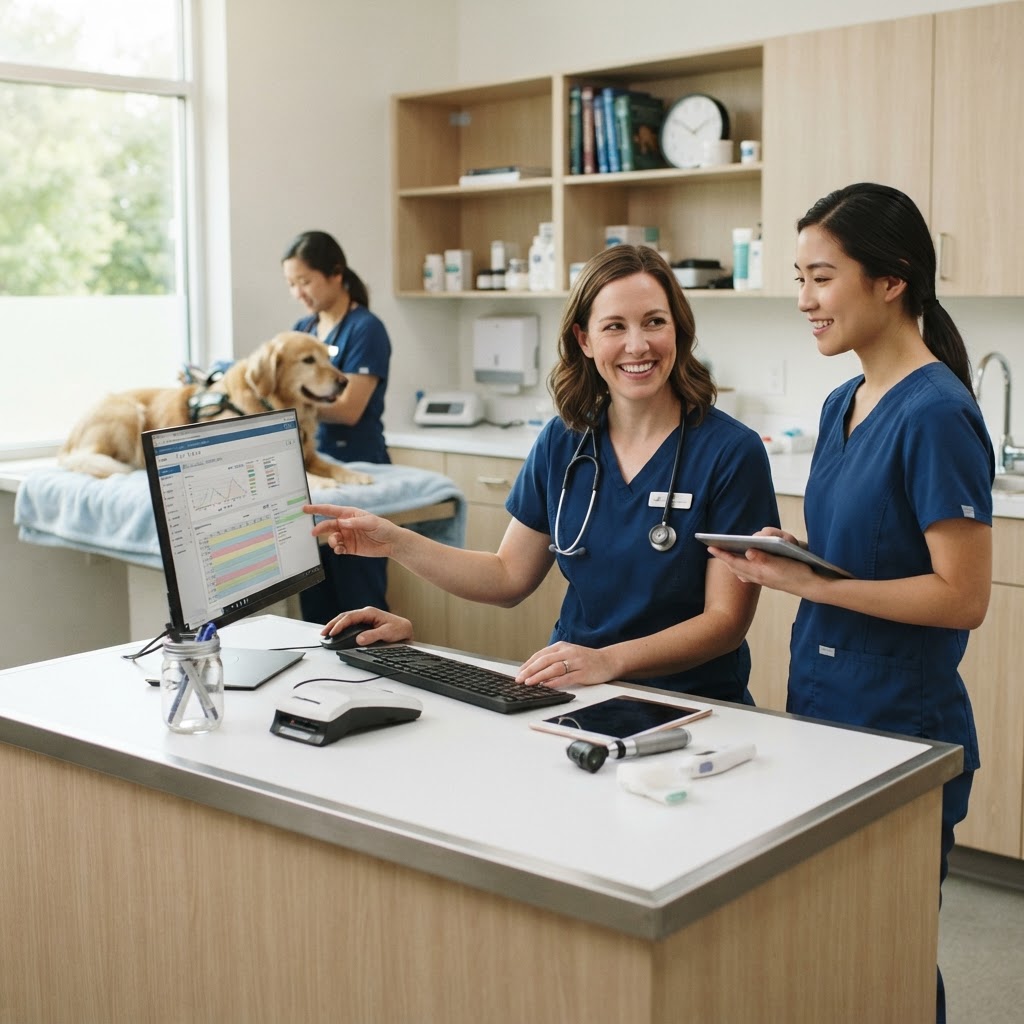
In modern general practice, your practice management system (PIMS) is the central nervous system of your clinic. However, even the most robust PIMS cannot do everything perfectly on its own. This is where veterinary software integrations become critical. By connecting specialized third-party tools directly to your core software, GP clinics can eliminate double data entry, capture missed charges, and give veterinary technicians more time to focus on patient care.
Whether you are using a cloud-based platform or a traditional server-based system, optimizing your veterinary software integrations is one of the fastest ways to improve daily operations. In this guide, we will explore the most impactful integrations for GP clinics, how to audit your current tech stack, and practical workflows for implementing new tools without disrupting your team.
Why Veterinary Software Integrations Matter for GP Clinics
Disconnected systems create administrative bottlenecks. When a veterinary technician has to manually enter lab results into a patient record, or an inventory manager has to update stock levels in a separate spreadsheet after a busy shift, the risk of human error skyrockets. According to industry benchmarks, practices that fully utilize their software capabilities see significant improvements in both revenue capture and staff retention.
"AAHA recommends evaluating how external tools interface with core management systems to prevent administrative bottlenecks. Without integration, disconnects between systems increase the risk of data entry errors and unrecorded stock changes." Veterinary Inventory Management Systems: Integrated vs. Standalone
Effective integrations provide a single source of truth. They ensure that when a medication is dispensed, the inventory is decremented, the client is billed, and the medical record is updated—all in one seamless action. To see how your current operational efficiency stacks up against industry standards, consider using our GP Practice Benchmark Tool.
Core Veterinary Software Integrations Every Clinic Needs
Not all integrations offer the same return on investment. For busy GP clinics, prioritizing the following four categories will yield the most immediate workflow improvements.
1. Laboratory and Diagnostic Integrations
Manual entry of lab results is a massive time sink and a primary source of transcription errors. Integrating your in-house analyzers and reference laboratory portals directly with your PIMS is non-negotiable for an efficient clinic.
- Bi-directional communication: The best lab integrations allow the veterinarian to order a test within the PIMS, which automatically populates the request on the analyzer.
- Automatic result importing: Once the test is complete, results are pushed directly into the patient's electronic medical record (EMR), often triggering a notification for the attending doctor.
- Charge capture: The integration ensures that if a test is run, the corresponding fee is automatically added to the client's invoice, drastically reducing missed charges.
2. Inventory Management and Dispensing
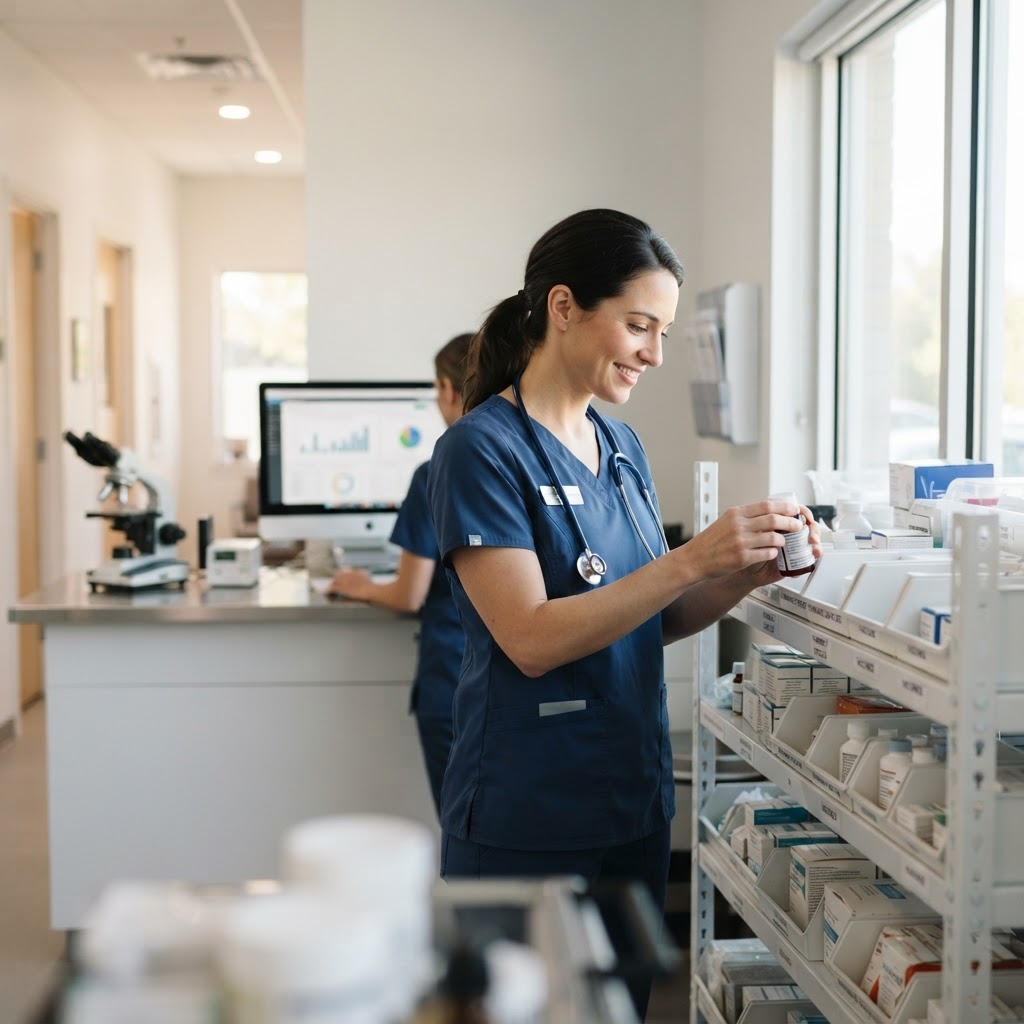
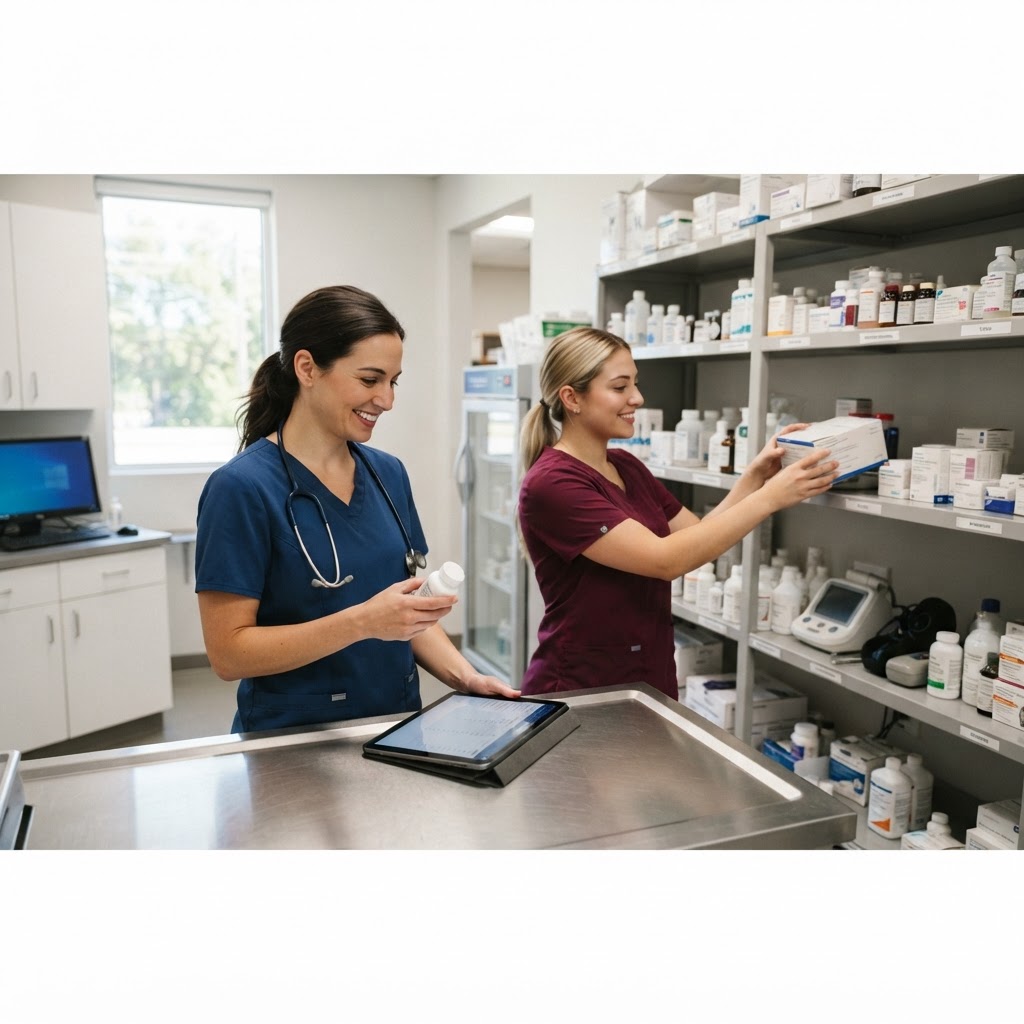
Inventory is typically the second-largest expense for a veterinary practice after payroll. Standalone inventory systems require manual reconciliation, which is prone to error. Integrating inventory management with your PIMS transforms this process.
- Real-time stock depletion: Dispensing a medication automatically decrements the stock level in your inventory module.
- Accurate Cost of Goods Sold (COGS): Integrated systems connect purchase costs to invoiced items, providing clear visibility into how supplier price changes impact your markups.
- Automated reordering: When stock hits a predefined minimum, the system can automatically generate a purchase order or alert the inventory manager.
3. Client Communication and Reminders
Keeping clients engaged and compliant requires consistent communication. Relying on front desk staff to manually call every client for appointment reminders or lab results is inefficient and leads to burnout.
Where is your workflow slowing down?
Take the free 3-minute GP Clinic Workflow Score and see where your daily workflow is strong, where friction builds up, and what to improve first.
Get Your Workflow ScoreIntegrating a dedicated client communication platform with your PIMS allows for automated, two-way texting, email reminders, and digital form submissions. Research shows that automated patient reminders can result in a 41% reduction in missed appointment rates and a significant boost in overall clinic attendance. These tools can also automatically write communication logs back into the patient's EMR, ensuring the entire team knows what was discussed.
4. Payment Processing and Terminals
At the end of a busy appointment, the checkout process should be frictionless. Integrated payment processing eliminates the need for front desk staff to manually type invoice totals into a standalone credit card terminal.
- Reduced human error: Prevents staff from accidentally typing $50.00 instead of $500.00.
- Faster end-of-day reconciliation: Because the PIMS and the payment terminal are synced, end-of-day batching and reporting take minutes instead of hours.
- Stored payment methods: Many integrated processors allow clinics to securely store cards on file for recurring wellness plan payments or future telemedicine consults.
How to Audit Your Current PIMS Integrations
Before adding new software to your tech stack, it is crucial to evaluate what you currently have. Many clinics pay for features or integrations they are not fully utilizing. Follow this workflow to audit your current setup:
- Map the Patient Journey: Track a patient from appointment booking to checkout. Identify every point where staff must manually enter data into more than one system.
- Review Your PIMS Capabilities: Consult your software vendor's integration directory. You may find that a tool you are currently using manually actually has a native integration available.
- Calculate the Cost of Disconnection: Estimate the weekly hours spent on manual data entry (e.g., typing lab results, counting inventory). Multiply this by the staff member's hourly rate to understand the financial cost of lacking integration.
- Assess Team Frustrations: Survey your team to find out which software workarounds cause the most friction. You can quantify these operational bottlenecks using our GP Clinic Workflow Score tool.
Checklist for Evaluating New Third-Party Tools
When you are ready to implement a new veterinary software integration, use this checklist to ensure it will genuinely benefit your GP clinic:
- Is it an API-level integration? True integrations communicate seamlessly in the background via API, rather than relying on clunky manual exports and imports.
- Does it write back to the medical record? A tool is only partially integrated if it pulls data from the PIMS but cannot push data (like SOAP notes, lab results, or client texts) back into the patient file.
- What is the total cost of ownership? Account for subscription pricing, setup fees, integration fees charged by your PIMS vendor, and the administrative labor required for data migration.
- How robust is the customer support? When an integration breaks, you need to know whether to call the PIMS vendor or the third-party software provider. Clear support protocols are essential.
Common Bottlenecks and Troubleshooting
Even the best veterinary software integrations can experience hiccups. A common issue is "sync lag," where data entered into a third-party app takes several minutes to appear in the PIMS. To mitigate this, ensure your clinic's internet bandwidth is sufficient to handle continuous cloud syncing, especially during peak hours.
Another frequent bottleneck is staff resistance to new workflows. When implementing an integrated inventory system, for example, staff must be trained to trust the software rather than relying on their old "want lists" or manual counts. Comprehensive onboarding and clear standard operating procedures (SOPs) are vital for successful adoption.
Conclusion
Optimizing your veterinary software integrations is a strategic investment in your clinic's efficiency and your team's wellbeing. By automating routine data entry, ensuring accurate charge capture, and streamlining client communication, you empower your staff to focus on what truly matters: delivering exceptional patient care. Start by auditing your current workflows, identifying the most costly manual processes, and systematically implementing integrations that provide a single, unified source of truth for your practice.

Helpful.vet Team
ContributorA veterinary professional contributing practical insights to Helpful.vet.
More about Helpful.vetFrequently asked questions
The most critical integrations typically include in-house laboratory diagnostics, inventory management systems, and client communication platforms. Connecting these to your practice management software reduces double data entry and ensures missed charges are captured automatically.
Integrated inventory systems automatically decrement stock levels and update cost-of-goods sold (COGS) the moment an item is invoiced. This prevents administrative bottlenecks, reduces manual counting errors, and ensures accurate pricing margins are maintained.
While poorly optimized integrations can cause lag, modern cloud-based API connections generally operate seamlessly in the background. It is essential to verify compatibility with your specific PIMS vendor before implementing a new third-party tool to ensure optimal performance.
Lab integrations can save technicians 5 to 10 minutes per patient by automatically transferring test requests to the analyzers and importing results directly into the patient's medical record. This eliminates manual typing and significantly reduces the risk of transcription errors.
Medical disclaimer: Helpful.vet provides educational and workflow-related information for veterinary professionals. It does not provide medical advice, diagnosis, or treatment recommendations. Clinical decisions should always be made by a licensed veterinarian using patient-specific history, examination findings, diagnostics, and professional judgment. See our full medical disclaimer.
Get more practical GP tools in your inbox
Short, useful resources for veterinary practice teams.